Creating Cluster
Creating Cluster in StackOrbit CMP
- Log in into StackOrbit portal using your account.
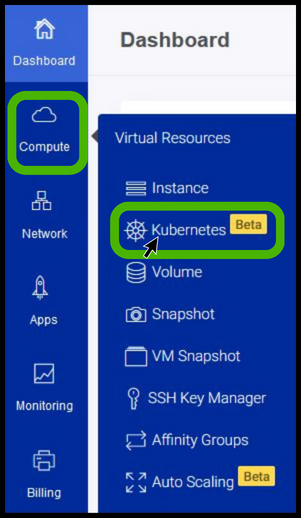
- click on Compute and select Kubernetes from the dropup.
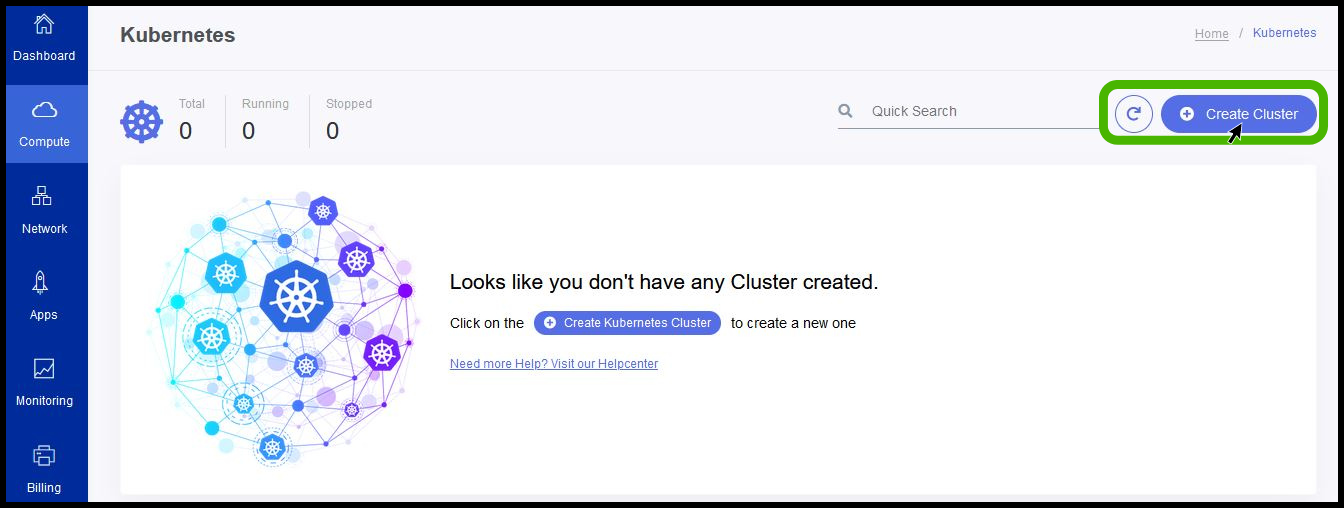
- Then click on create cluster button.
Cluster Identification in StackOrbit CMP

- To create a new cluster, provide the cluster name and the description.
Cluster Image Selection in StackOrbit CMP
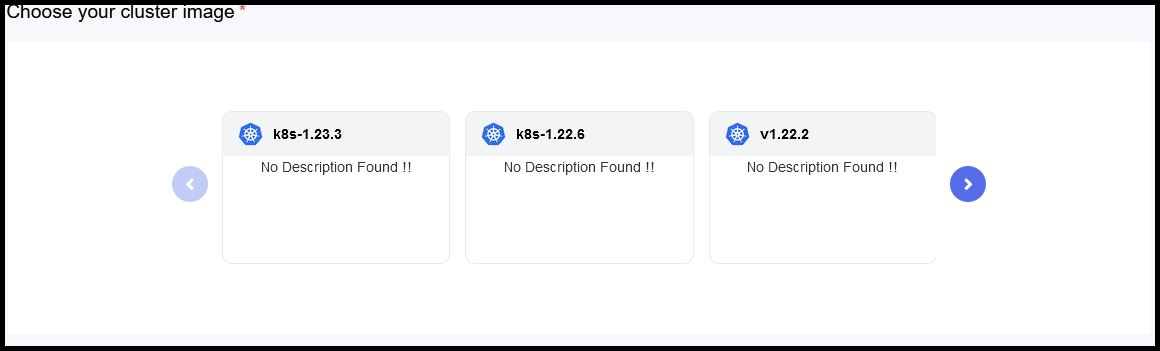
- StackOrbit will support last three version of Kubernetes images for user deployment.
- Select the corresponding image for your requirement.
Plan selection
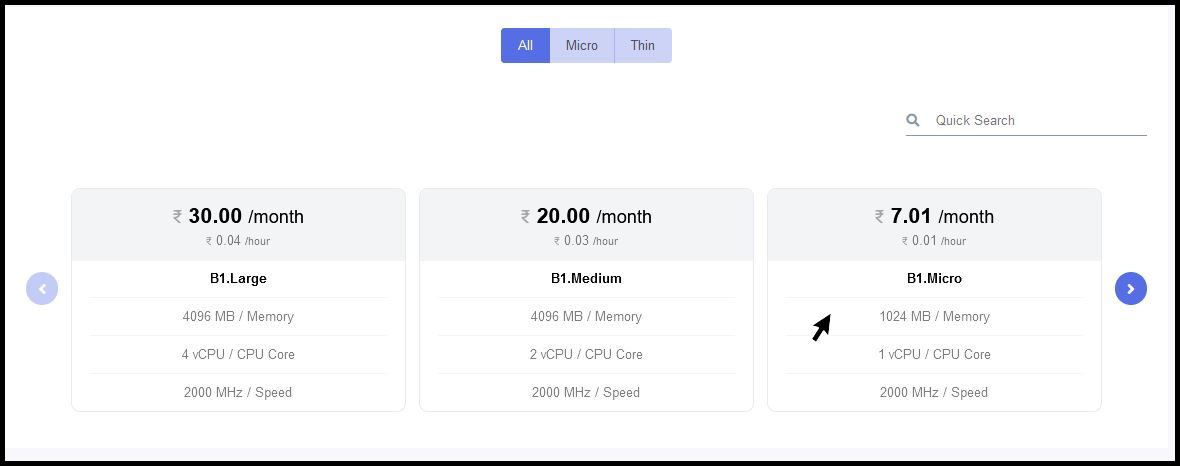
- We need to select the appropriate plan for our Kubernetes cluster.
Networking in StackOrbit CMP

- By default, Kubernetes networking will be created automatically by StackOrbit and there is no user intervention is required for network creation.
Configuring High Availability
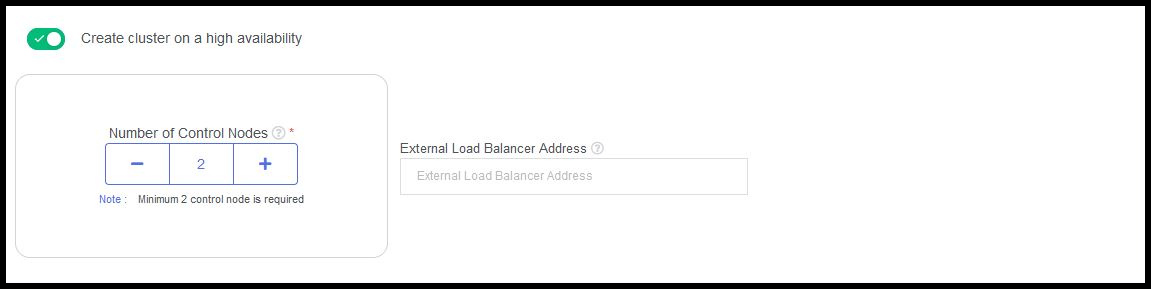
- Kubernetes will provide you extra reliability for your cluster environment by adding more control nodes. Also, we can able to specify external load balancer address for your control nodes.
SSH Key pair in StackOrbit CMP

- We can assign the SSH key pair to the nodes creating on your cluster.
Image Repository
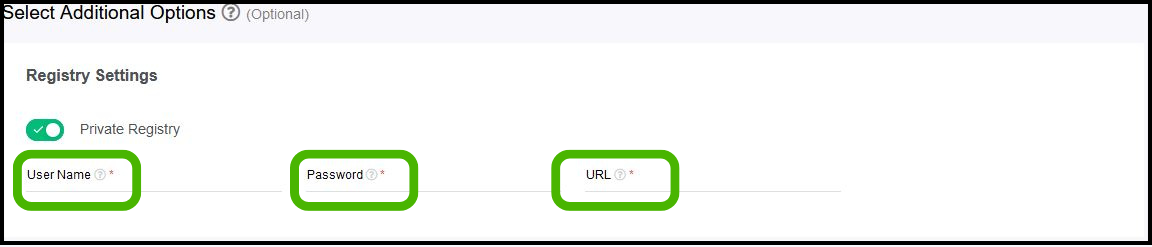
- We can also configure private registry for your Kubernetes cluster.